Nexo SQL Studio
Everything you need to
work with Oracle in VS Code
From Free core editing to Pro delivery workflows, Nexo SQL Studio brings Oracle tooling directly into your editor, no extra windows required. Use connections, worksheets, online cross-schema autocomplete, snippets, and standard results without login; activate Pro for offline projects, validation, deployments, AI/MCP, and advanced operations.
Free or Pro
Start with the core workflow, grow into one complete Pro license
Free never requires login. Pro is one all-inclusive license: every professional capability unlocks together, with no per-feature tiers.
Free
Daily Oracle editing
Connections, object browsing, source opening, online cross-schema autocomplete, worksheets, transactions, DBMS output, standard result grids, snippets, and object editing with full IntelliSense support.
No account or license required.
Pro license
Professional database workflows
Offline autocomplete and object generation, live validation, DB Manager, comparison, deployments, remote files, Docker, AI/MCP, Data Modeler, Query Builder, SQL Load Tester, gallery results, locking, tests, debugging, imports, APEX/ORDS, and advanced results.
Try Pro for free, no credit card required. One all-inclusive license includes every Pro feature.
Pro license · Early preview
Design and evolve Oracle data models visually
Build diagrams with hundreds of tables, choose the auto layout that fits your model, and synchronize changes in both directions. Nexo AI MCP lets Claude, Codex, and other AI tools edit the model while you watch changes appear in real time.
Explore the data modeler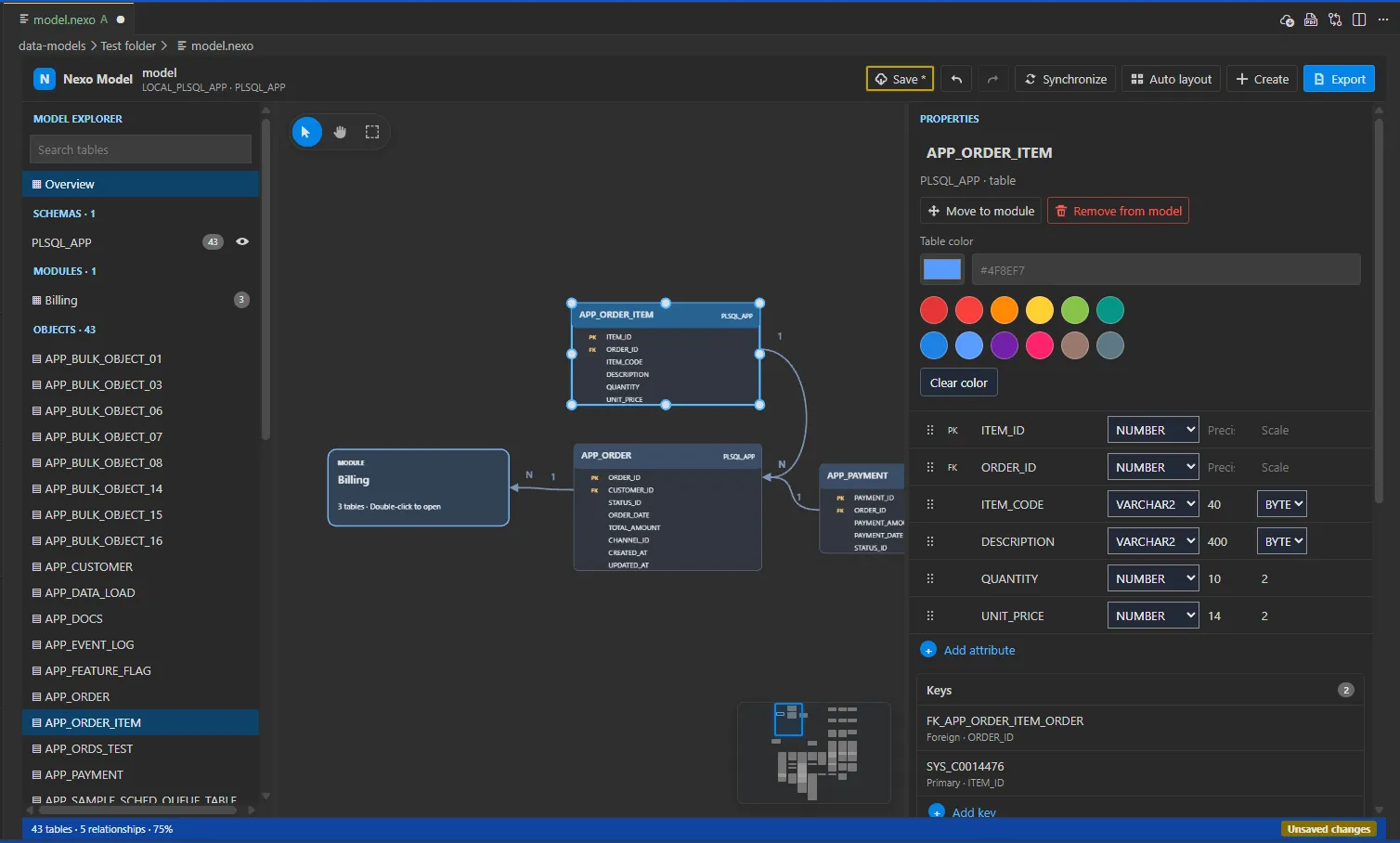
Smart PL/SQL autocompletion that knows your schema
Get cross-schema suggestions for Oracle packages, procedures, functions, types, and columns while editing online database code in Free. Pro adds the same language intelligence to offline files and projects.
See documentation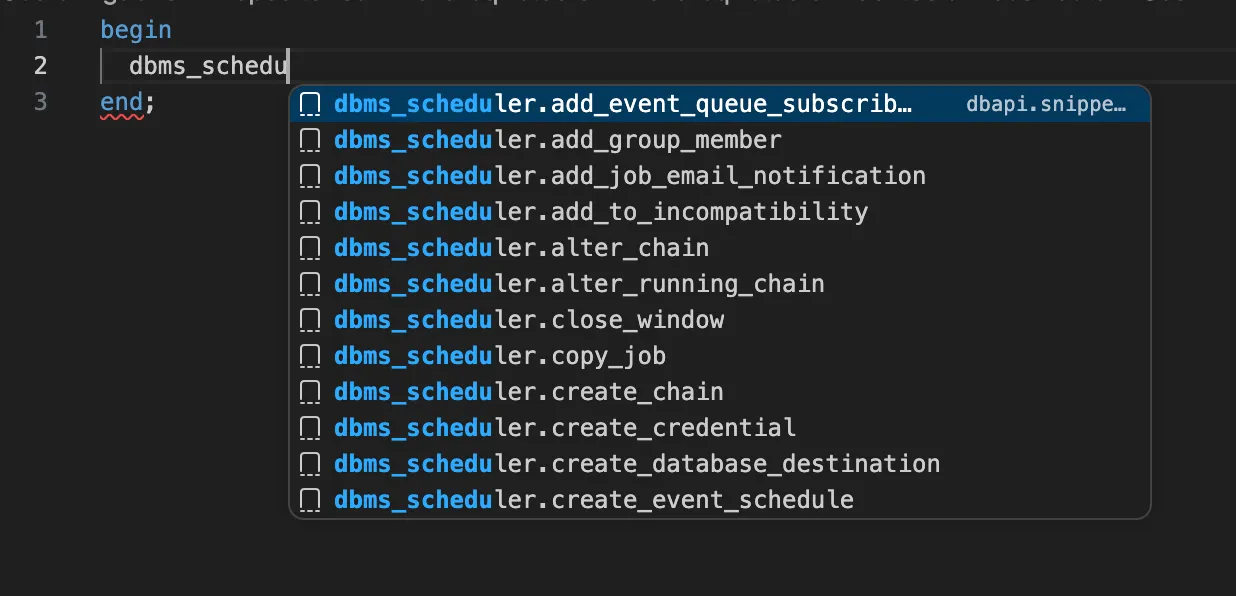
Go-to-Definition across your entire PL/SQL codebase
Press Ctrl+Click (or F12) to jump straight to any procedure, function, type, or package body — across files and directories. Symbol search respects your configured search paths and resolves overloads correctly, even across schema boundaries.
Learn more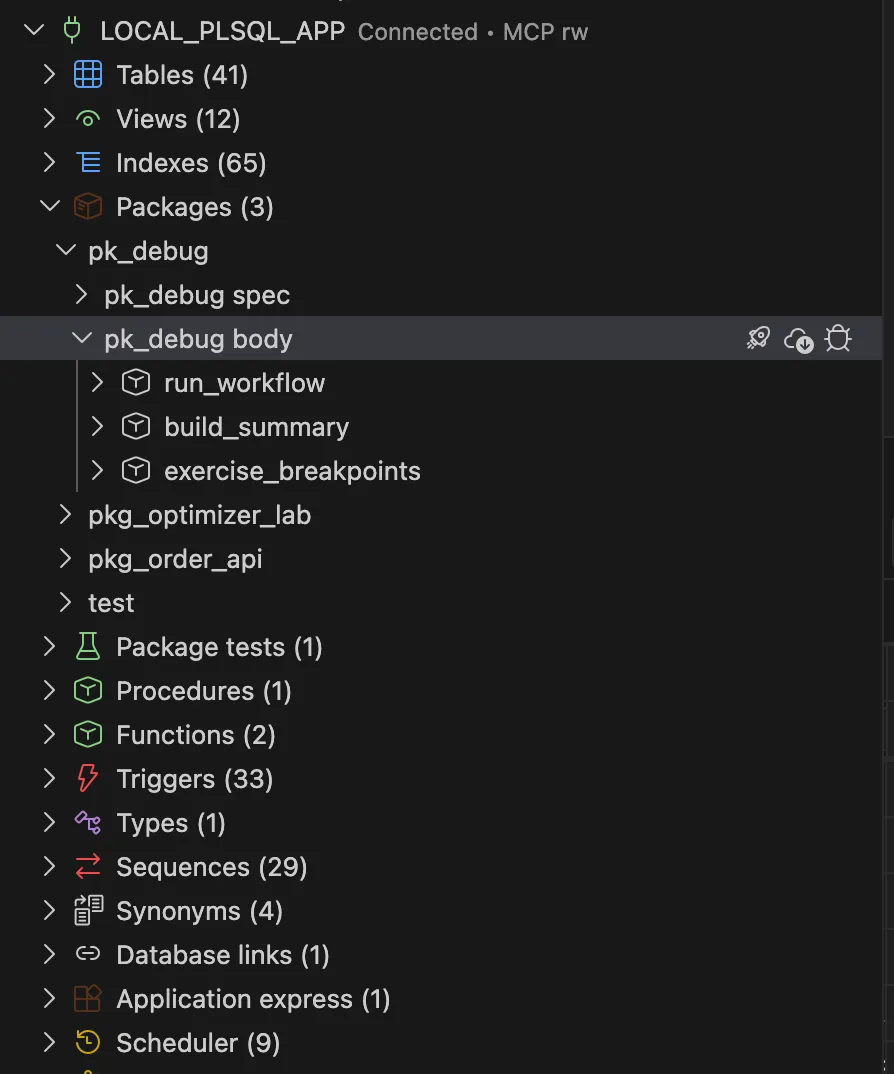
Run SQL and PL/SQL without leaving your editor
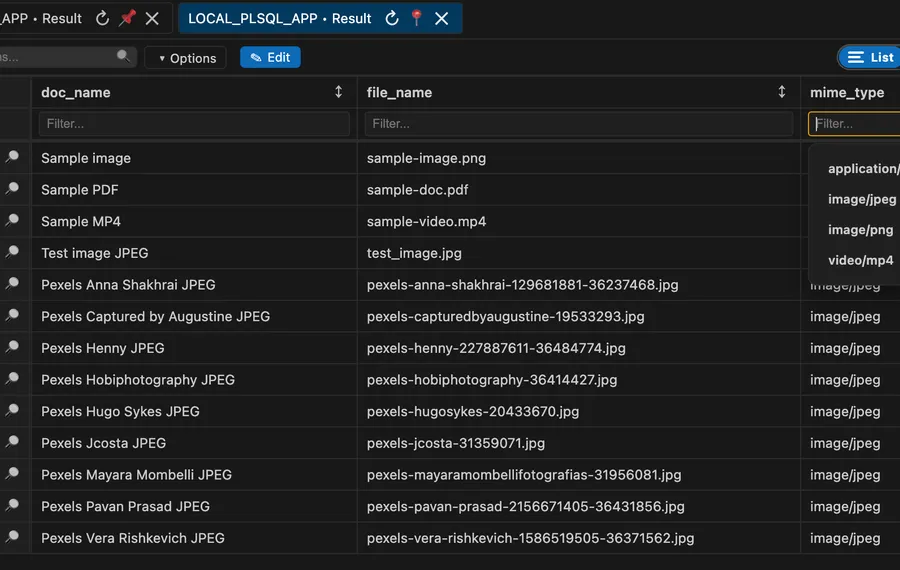
Execute queries with Ctrl+Enter and view results in a standard paginated table from within VS Code. Pro adds gallery results, advanced result workflows, and professional multi-connection operations.
Get started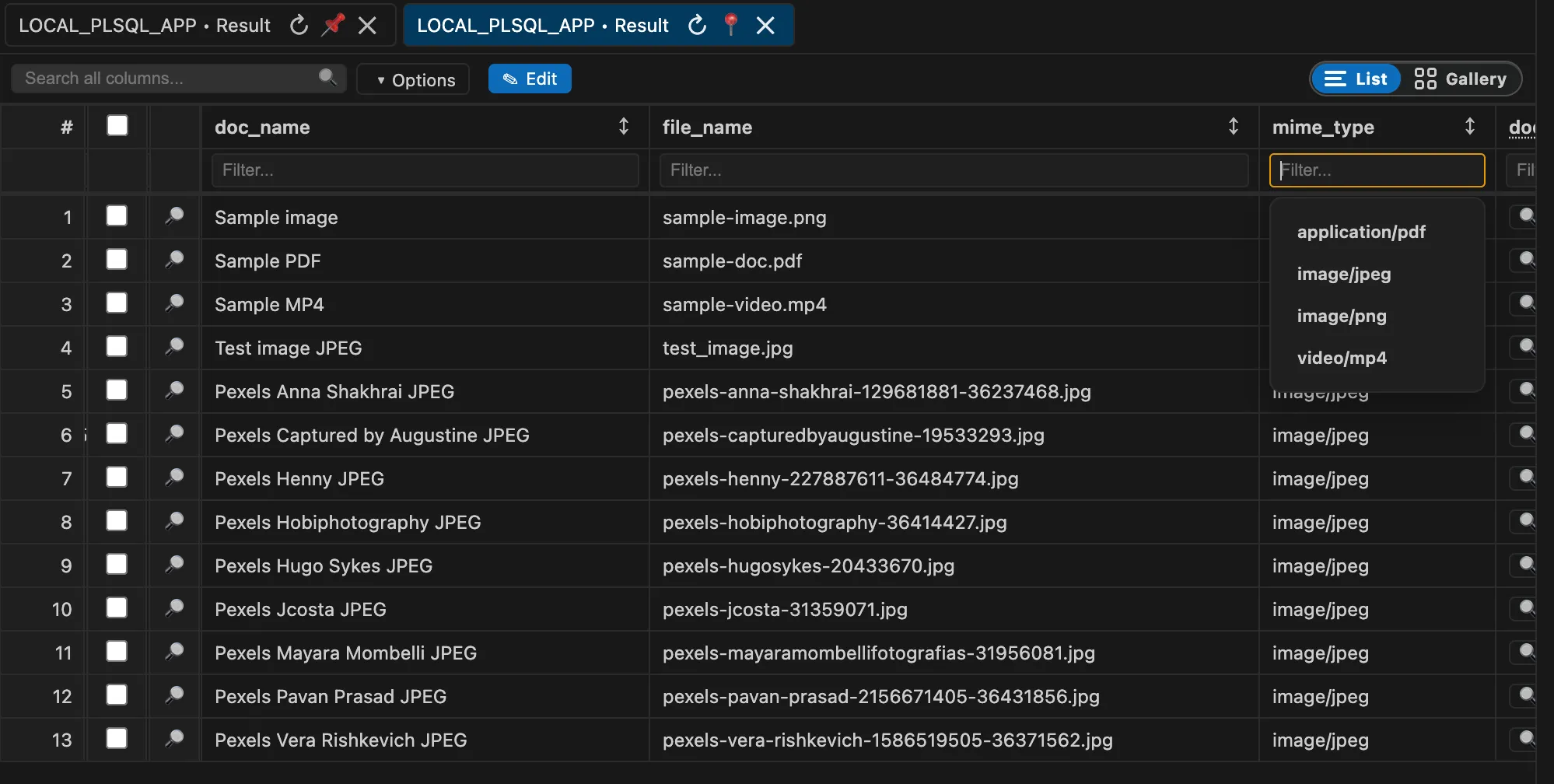
A complete Oracle development toolkit
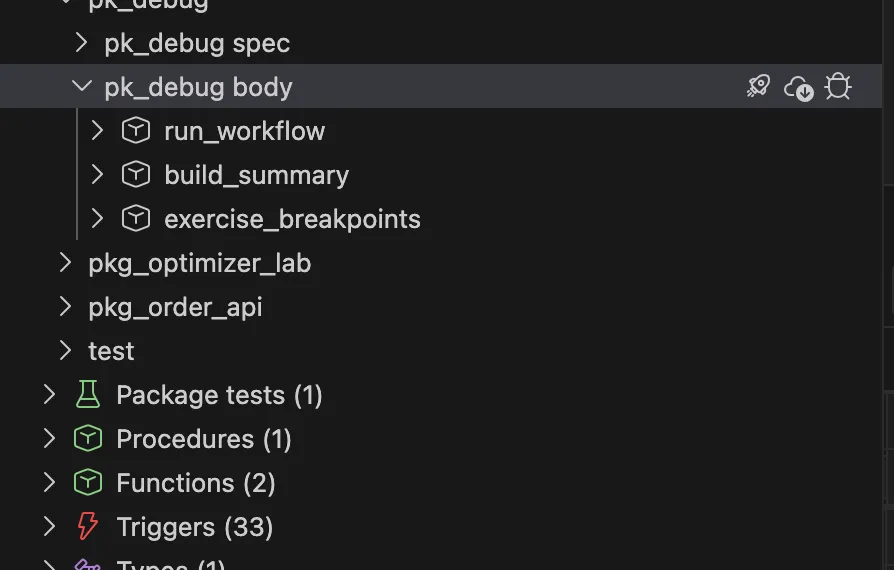
Free covers the daily editor, connection tree, worksheets, snippets, object browsing, and standard results. Pro adds offline project generation, delivery, testing, administration, and AI/MCP workflows.
Capabilities
Every tool Oracle developers need, right in VS Code
AI and professional workflows
Core Oracle workflow
Worksheets and results
Offline development and validation
Delivery and database operations
Platforms
Works on Windows, macOS & Linux
Install directly from the VS Code Marketplace — no extra configuration required on any operating system.
Windows
Windows 10 & 11
x64 and Arm64
macOS
macOS 11+
Intel x64 and Apple silicon
Linux
Ubuntu, Fedora & more
x64 and Arm64
Ready to upgrade your Oracle workflow?
Install Nexo SQL Studio from the VS Code Marketplace and start using professional Oracle tooling inside your editor today.